
Odoo custom development becomes difficult to scale when every developer or AI coding agent must rediscover the same version rules, setup commands, testing practices, and deployment steps. The open-source Odoo Agent Pro Kit turns that repeated work into a reusable, version-aware development system for Odoo 17, 18, and 19.
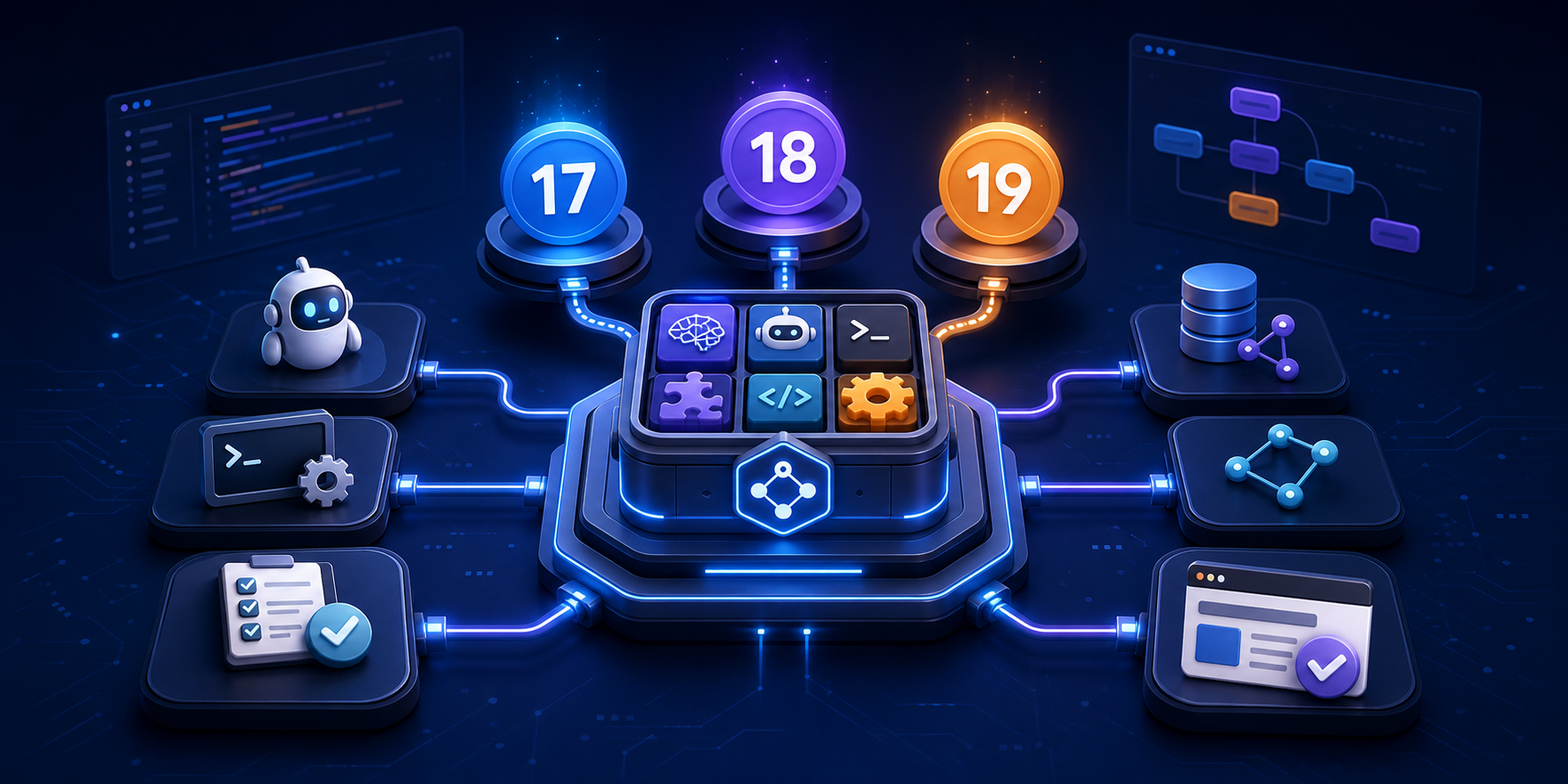
The complete project is free and public under the Apache License 2.0. You can inspect, clone, fork, and contribute to it directly on GitHub: infovpcs/odoo-agent-pro-kit.
What problem does the Pro Kit solve?
AI coding tools can write Python, XML, JavaScript, and tests, but a useful Odoo development agent needs more than code generation. It must understand the active Odoo version, existing model and view dependencies, security conventions, module installation and upgrade procedures, backend and frontend testing, browser validation, and the project’s current state.
The Pro Kit packages those expectations as reusable skills, commands, hooks, context templates, local setup tools, and a live Odoo MCP server. The result is a consistent lifecycle that an experienced Odoo developer can guide and review instead of repeatedly rebuilding the surrounding workflow.
Odoo 17, 18, and 19 compatibility
The repository deliberately supports Odoo 17.0, 18.0, and 19.0. Its coding-standard, dependency-context, development-tool, testing, and restart/upgrade guidance is separated by version where behavior differs. This reduces a common source of regression: applying a pattern remembered from one Odoo release to another without checking whether the API, view architecture, or framework convention changed.
- Odoo 17: version-specific coding standards, tools, dependency discovery, testing, and module lifecycle guidance.
- Odoo 18: dedicated rules plus transitional patterns for teams moving toward Odoo 19.
- Odoo 19: current patterns for models, views, security, routes, mail/HTML, tests, performance, installation, and upgrades.
A complete development lifecycle, not just prompts
The core workflow is designed around four reusable commands:
- /plan-analysis converts business requirements into structured requirements, design decisions, and implementation tasks while mapping the request to existing Odoo functionality.
- /start-coding executes the approved task loop with version-aware backend and frontend standards, dependency context, module updates, and validation.
- /testing checks the installed result through backend tests, frontend/browser flows, screenshots, and documentation evidence.
- /fleet supports coordinated work across a larger task set when multiple focused workstreams are useful.
This structure keeps requirements, implementation, and verification connected. It also gives the human developer clear review points instead of treating a long chat transcript as the only source of truth.
What is included?
- 18 Odoo skills: coding standards, live dependency context, development tools, backend and frontend testing, module installation/update, restart/upgrade rules, browser automation, documentation, PRD writing, and diagramming.
- Live Odoo MCP server: XML-RPC/JSON-RPC-backed discovery of real models and environment context for Odoo 17, 18, and 19.
- Lifecycle hooks: SessionStart, PreCompact, and Stop hooks help initialize the right environment, preserve progress during context compaction, and clean up services.
- Local workspace automation: bootstrap and module-management scripts help create repeatable Odoo workspaces instead of relying on machine-specific manual steps.
- Agent context templates: ready-to-adapt instructions for Claude Code, Codex, Cursor, Antigravity, VS Code Copilot Chat, and GitHub Copilot CLI/Agent.
- Open-source project scaffolding: CI validation, contribution guidance, issue and pull-request templates, code of conduct, and an Apache 2.0 license.
Practical demonstration: building a real Odoo 19 module
The long-form video Master Telegram Integration in Odoo 19 Enterprise | Automated Development & Live Sync Benefits demonstrates the development model in practice. It is not a dedicated Pro Kit installation tutorial; it uses a Telegram integration as the real custom-application example.
Across the demonstration, the agent loads reusable Odoo skills, studies dependencies, prepares a plan, implements the module, uses live database and log context, runs tests, performs browser-level validation, fixes issues found during execution, and carries context forward through the development cycle. That is precisely the kind of repeatable workflow the public Pro Kit makes easier to adopt.
The value is not that an agent can generate one module. The value is that the team can reuse a governed development system for the next module—and the next Odoo version.
Quick start
git clone https://github.com/infovpcs/odoo-agent-pro-kit.git
cd odoo-agent-pro-kit
./bootstrap.sh --versions 19
For a multi-version environment, pass the required versions to the bootstrap script. The repository’s Quickstart section is the best starting point.
Claude Code plugin
/plugin marketplace add infovpcs/odoo-agent-pro-kit
/plugin install odoo-agent-pro-kit
Codex, Cursor, Antigravity, VS Code, and GitHub Copilot
Each supported tool has its own installation guidance in the repository’s integrations directory. Codex can start by copying the supplied context-templates/AGENTS.md into the target project root; the other adapters provide equivalent tool-native instructions.
Where the kit helps most
- New custom modules: turn a business request into a reviewable PRD, scoped tasks, implementation, tests, and documentation.
- Existing Odoo environments: inspect installed modules, inherited models, dependency trees, and views before making changes.
- Version migration: keep Odoo 17, 18, and 19 rules distinct while replacing deprecated patterns and validating module upgrades.
- Team consistency: give developers and different AI tools the same project constraints, safety rules, and definition of done.
- Testing and evidence: combine backend verification with browser testing, screenshots, and technical/user documentation.
Human review remains essential
The Pro Kit is an engineering accelerator, not permission to deploy unreviewed generated code. Production Odoo work still requires business validation, access-control review, backup and rollback planning, migration checks, performance awareness, and human approval for consequential changes. The toolkit’s purpose is to make those expectations explicit and repeatable.
Explore, contribute, or get implementation help
Start with the public Odoo Agent Pro Kit repository, review the contribution guide, and watch the full Odoo 19 agentic-development demonstration.
For cloud infrastructure and Odoo hosting, visit VPCSCloud. For Odoo consulting, implementation, customization, migration, and AI automation services, visit VPerfectCS.